
Modern education has come to rely on visual learning. It's a fact that students tend to learn complex things more quickly with images rather than paragraphs. Infographics are a mix of text, icons and diagrams that deliver information clearly and succinctly. They make data simpler, emphasise important details, and enhance the memorisation of knowledge. Educational infographics also reach learners by rendering the content attractive and easier to remember. Websites like CapCut facilitate this by making it possible to create professional-appearing images without needing design expertise. The inclusion of digital tools makes it possible to make educational materials informative and engaging, so they're compatible with a range of learning styles.
Components of Good Educational Infographics
A good infographic strikes a balance between simplicity and attractiveness. Organise your work logically, with related information clustered together. Colour coding makes it easier to distinguish between ideas and emphasise key points. The information in infographics is made more memorable through the use of icons and simple illustrations. Precision is also very important; wrong images can cause misunderstandings. Infographics should facilitate cognitive retention through the simplification of complex information without over-simplifying information. Incorporating an AI image generator allows creators to produce high-quality visuals that match educational themes and maintain consistency throughout the layout. Clear graphics are used to complement the text and emphasise the most important ideas, which improves comprehension and interest.
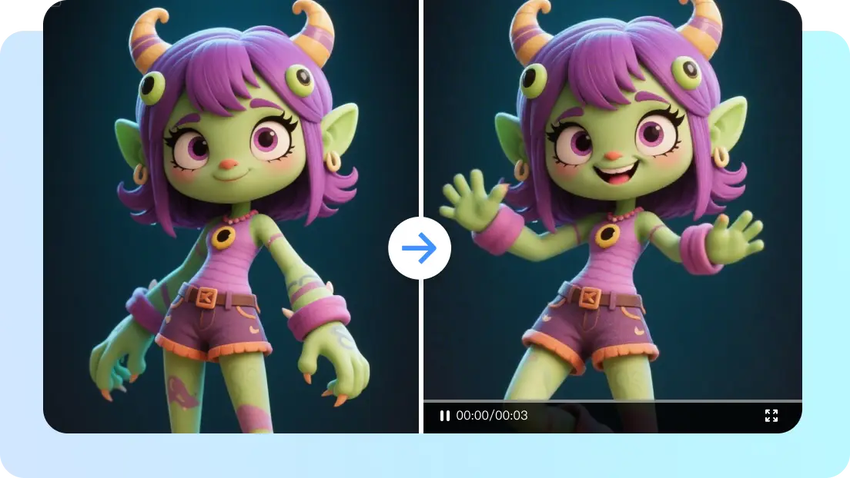
Enhancing Infographics with CapCut’s AI Image Generator
CapCut provides a functioning platform to develop refined educational visuals efficiently. You can create icons, illustrations, and conceptual images that fit your topic of discussion. In CapCut, Seedream 4.0 provides crisp and detailed graphics best suited to academic use. Combine these images with text blocks, shapes, and colour-coded sections for layouts that are visually cohesive.
The platform enables you to accurately control the spacing and positioning of each element, keeping your infographic readable and hierarchical. Be it a timeline, a diagram or a themed poster, the tools in CapCut simplify the procedure of creating a visual and save time. The result is a professional level of visuals perfect for classroom presentations or digital study materials.
Steps to Using an AI Image Generator to Craft Beautiful Infographics For Education
Step 1: Enter the infographic editorOpen CapCut online image editor and select the "Image" tab. Click "New image" to start crafting educational infographics.

Write a clear prompt describing the infographic content. Select an AI model like Seedream 4.0, Image 4.0, Image 3.1, or Image 2.0 Pro. Pick an aspect ratio suited for slides, handouts, or social media. Upload reference images if needed for guidance.

Click "Send" to generate the infographic quickly. Refine it using colour correction, AI upscaling, and background replacement. Add text, shapes, or stickers to organise data visually and make learning easier.

Once happy with the infographic, click "Download" in the top right corner. Use the filters icon to adjust format, size, and quality. Copy the image as PNG for classroom use, presentations, or online sharing.

Infographics You Can Make with AI
Visual representations created by AI can become various types of infographics. Science or mathematics lessons can be described step-by-step in process infographics. Timelines are summaries of historical events, which demonstrate their chronological relationships. Comparison charts point out the difference or similarity between concepts, and make decision-making easy.
STEM subjects can be illustrated with the help of diagrams, which can describe scientific phenomena or technical processes in detail. Thematic posters can help in developing geography, history, or language arts lessons by incorporating maps, symbols and character illustrations. AI also allows you to visualise abstract ideas, like energy flow or social systems, so they're simpler to understand. Incorporating an AI logo generator can further brand educational content, reinforcing visual identity for projects or school initiatives.

Integrating AI Images, Data, and Text in CapCut
Effective comprehension requires visual hierarchy. Create headings, pictures, and blocks of data that guide the viewer to browse the material. Grids, spacing, and regular typography enhance readability. CapCut can also be used to create animated infographic videos with its image-to-video tools. Bring complex ideas to life by using animated charts, diagrams, or icons. This interactive method maintains the attention of learners while highlighting main points. The inclusion of AI-generated images ensures that the visuals are stylistically and visually consistent, creating harmonious infographics for both digital and print.
Pitfalls to Avoid in Designing Educational Infographics
Avoid using too fancy pictures that don't convey the educational message. An excessive number of colours or incompatible symbols can confuse learners and reduce comprehension. Ensure that the information is well organised and avoid saturating a single layout with information. All sections should be readable and directly related to the topic. Find a balance between creativity and clarity to maintain focus on learning outcomes. Elements can be spaced, aided, or overlaid to prevent cluttered designs with the help of CapCut. When graphics are correct and visually harmonious, students learn more effectively.
Conclusion
AI increases the potential of infographic design by generating correct, visually appealing graphics quickly. CapCut is a web-based application that combines these AI features into an easy-to-use product. Designers can polish, animate, and structure images effortlessly. With the proper use of text, quality AI-generated images, and intelligent layouts, teachers can create infographics that interest students and promote understanding. The use of these tools helps make educational resources informative and appealing to various learning styles, facilitating knowledge retention in the classroom and in online learning settings.